Dressmaker controls
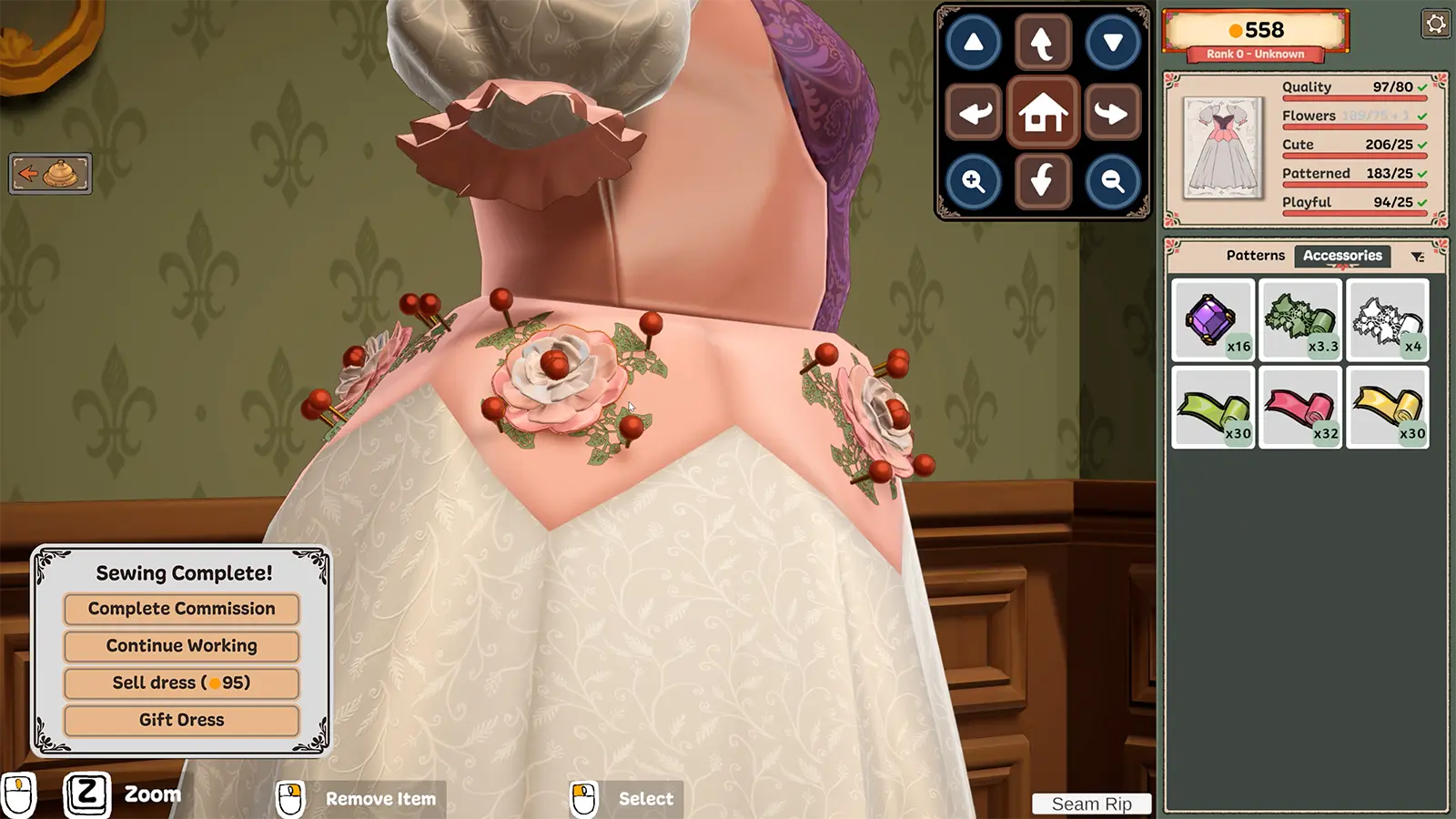
- Dressmaker is played mainly with the mouse; Space runs the sewing machine.
- Z zooms while decorating; the on-screen pad moves and rotates the camera.
- Mouse wheel rotates pattern pieces in the cutting room.
- Steam Deck runs well; full controller support is planned but not in yet.
Dressmaker is built for mouse and keyboard. These are the controls we have confirmed from the official screenshots and patch notes. Anything we have not verified is marked as such.
Confirmed controls
| Action | Control | Where |
|---|---|---|
| Call the next customer | Click the bell on the front desk | Front desk |
| Choose pattern pieces | Click the component names | Sketchbook |
| Rotate a pattern piece | Mouse wheel | Cutting room |
| Run the sewing machine | Space | Sewing |
| Guide fabric | Mouse | Sewing |
| Change thread colour | Click a thread spool | Sewing |
| Zoom | Z | Decorating |
| Select or place an accessory | Mouse click | Decorating |
| Remove an item | Mouse (see the on-screen hint) | Decorating |
| Seam Rip | On-screen button | Decorating |
| Move or rotate the camera | On-screen arrow pad | Decorating |
Steam Deck and controllers
At launch the developers said the game runs fast on the Steam Deck, but proper controller support is still to come. For now, expect to use the Deck’s trackpad as a mouse. Check the updates page for the patch that adds it.
Mods that change the controls
The community ModLoader adds a sewing zoom and persistent sewing guides in its accessibility tab. These help if precise mouse movement is hard for you.
Frequently asked questions
Does Dressmaker support controllers?
Not fully at launch. The developers say the game runs fast on Steam Deck and that proper controller support is on the roadmap.
Can I rebind keys?
We have not confirmed a key rebinding menu in Build 410. We will update this page once we have checked.